

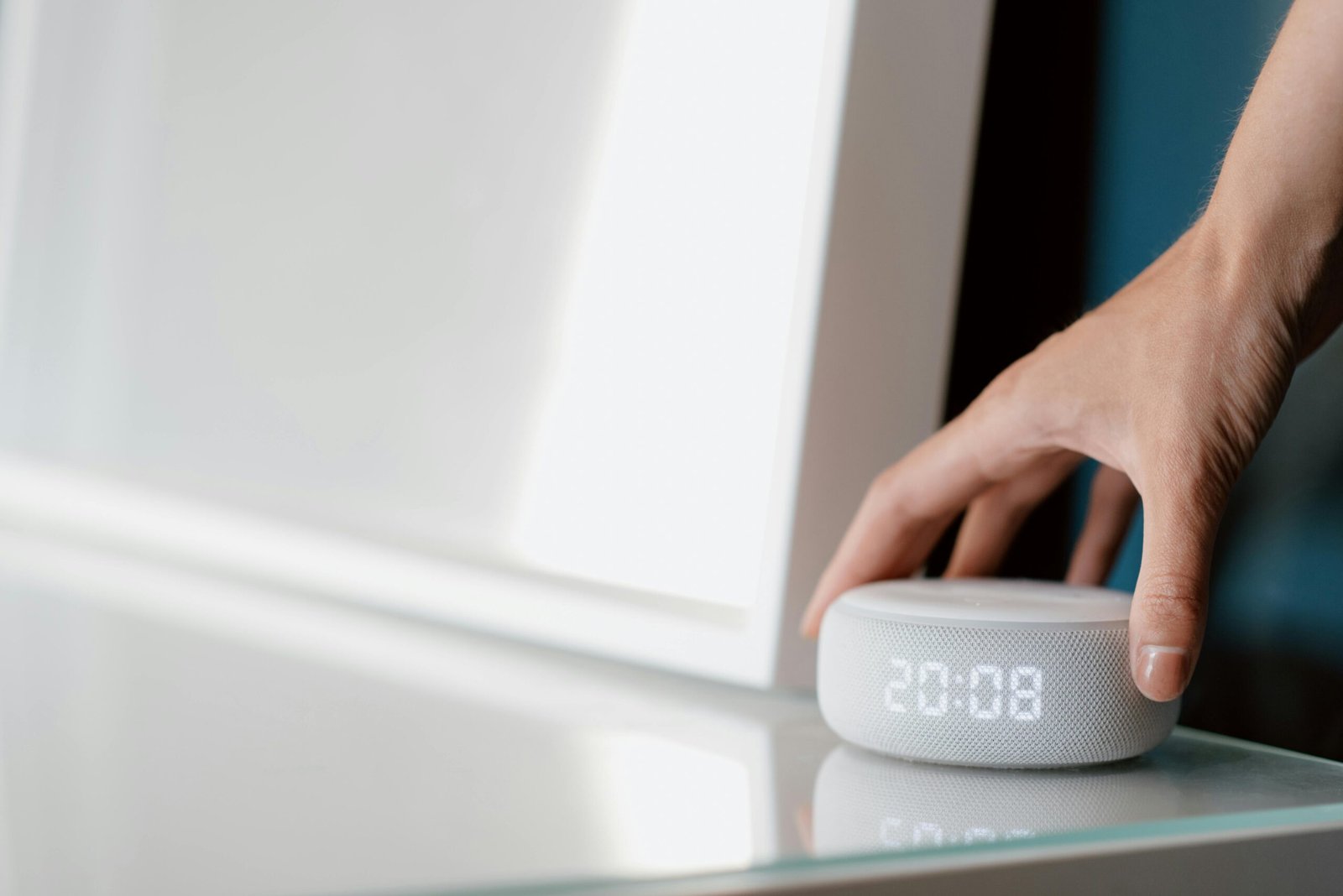
Smart home hub setup is the fastest way to transform a house into a connected, voice-controlled environment that saves time, boosts energy efficiency, and increases security—if you get it right from the start.
Key Takeaways
- Amazon Alexa leads the smart home hub market in 2025, but Google Home and Apple HomeKit offer unique automation and privacy features.
- Device compatibility, Wi-Fi issues, and ecosystem limitations are the most common challenges in smart home hub setup.
- Advanced automation features like AI-driven routines, proactive energy savings, and multi-ecosystem bridging can unlock truly seamless smart home experiences.
- What Is a Smart Home Hub Setup?
- Step-by-Step Guide: How to Set Up Your Smart Home Hub
- Advanced Analysis & Common Pitfalls
- Conclusion
- FAQ
What Is a Smart Home Hub Setup?
A smart home hub setup is the process of connecting compatible devices—such as lights, thermostats, security cameras, and appliances—to a central hub like Amazon Alexa, Google Home, or Apple HomeKit. This allows you to control everything from one app or by using your voice, automate routines, and create a more efficient, comfortable, and secure home.

Three brands dominate the US smart home hub landscape. Amazon Alexa, with Echo devices, has a 23% worldwide marketplace hold and 65% household adoption in the US as of 2024. Google Home and Google Nest control about 24% and 17% of US hubs, respectively. Apple HomePod, driven by the privacy-first HomeKit platform, is used in about 18% of US smart homes.
(Source: ElectroIQ Smart Speaker Statistics)
Each ecosystem has strengths: Alexa offers broad device support including Zigbee and Matter standards, Google excels in learning your habits with Nest and context-aware routines, and Apple HomeKit is lauded for privacy, edge computing, and tight integration with Apple devices. Understanding these distinctions is the foundation for a successful smart home hub setup.
For a deeper dive into the smartest upgrades for modern living, check out Essential Smart Home Upgrades for 2026 Homes.
Step-by-Step Guide: How to Set Up Your Smart Home Hub
Getting started with your smart home hub setup doesn’t need to be overwhelming. Follow these essential steps, whether you’re investing in your first device or upgrading to a more advanced ecosystem.
- Choose Your Ecosystem:
Decide whether to go with Amazon Alexa (Echo), Google Home/Nest, or Apple HomeKit, based on which devices you already own and your privacy or feature priorities. Keep in mind that Amazon’s Alexa works with the most third-party devices (thanks to Matter and Zigbee), while Apple HomeKit may be ideal if you want maximum data privacy. - Unbox and Connect the Hub:
Place your hub—Echo, Nest Hub, or HomePod—centrally in your home for maximum range. Plug it in, and follow the setup instructions using the manufacturer’s app. Ensure your Wi-Fi is strong and dual-band (2.4GHz and 5GHz) for optimal device performance. - Add and Configure Devices:
Add smart lights, switches, thermostats, cameras, and other appliances through the hub’s app. Pay close attention to device compatibility. Many products now support the Matter standard, which helps with cross-platform integration, but check for logo or certification before purchase.
Learn about compatibility trends in the smart home market. - Create Automations and Routines:
Set up routines to automate common actions. For example, have your lights dim and thermostat adjust when you say “Good night,” or create a morning sequence tied to your wake-up time. Leverage context-aware routines based on your location, time, or even occupancy to save energy and add convenience. - Test Interactions and Voice Control:
Use voice commands to trigger automations and check that all devices respond as expected. If some devices don’t work together, consult the app’s troubleshooting section or check for third-party software bridges. - Integrate Security and Access:
Add compatible locks, cameras, and alarm sensors. Explore advanced features like geofencing, which can automatically arm security when you leave the house. Security integrations now represent over 28% of US smart home investments as of 2024.
Read more about this security trend.
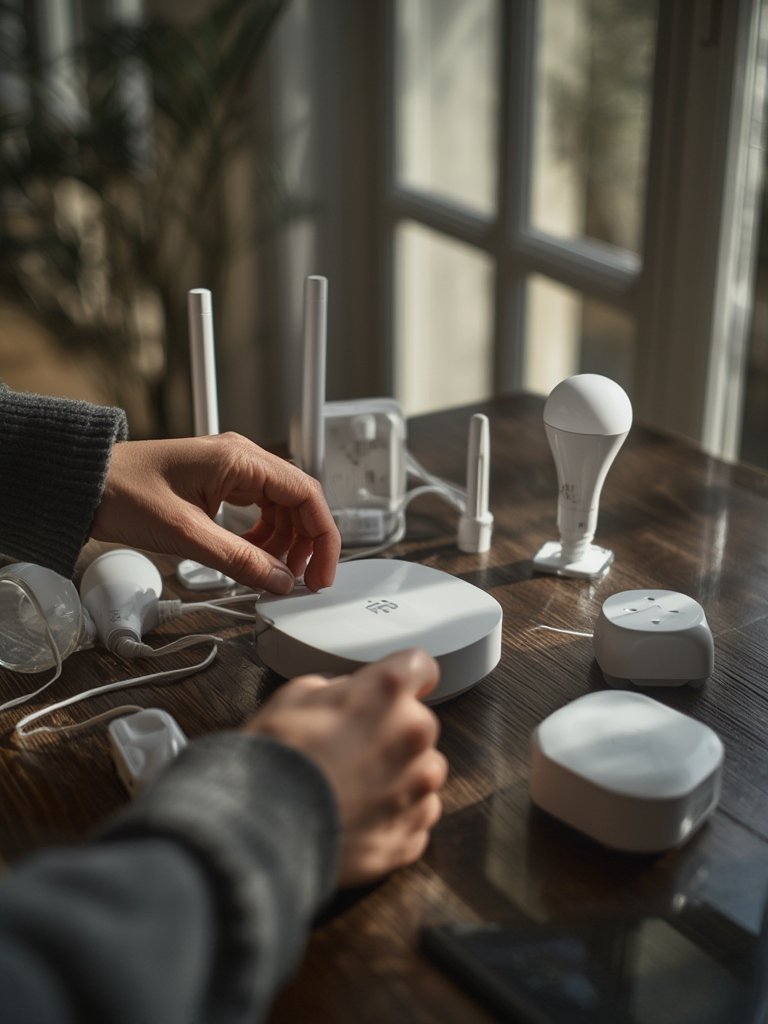
- Consider Emerging Features: As of 2025, AI-driven automations like energy-optimized appliance scheduling (see Samsung’s SmartThings Flex Connect) and context-aware routines are now rolling out to hubs. Amazon has launched an Alexa-integrated CO and smoke detector, while Apple is introducing a HomeKit display with FaceTime and Matter control.
- Expand Thoughtfully: Add new devices and automations in small increments. Revisit your routines every few months to keep automations in sync with real-world routines—don’t just “set and forget.”
- Stay Secure and Up-to-Date: Change default passwords and enable two-factor authentication for your accounts. Regularly update firmware to keep all devices secure from potential threats.
Interested in whole-home automation? Don’t miss our deep dive guide on whole-home battery backup for uninterrupted smart living.
Advanced Analysis & Common Pitfalls
Even with careful planning, several issues commonly trip up homeowners during the smart home hub setup journey. Here’s what to watch for—and whether Amazon Alexa, Google Home, or Apple HomeKit is the best fit for your priorities.
| Feature | Amazon Alexa | Google Home | Apple HomeKit |
|---|---|---|---|
| Device Compatibility | Excellent – Zigbee, Matter, wide 3rd-party support | Very Good – Seamless with Nest, growing Matter support | Good – Strict compatibility, prioritizes certified Apple/Matter devices |
| Automation Features | Routines, AI pattern recognition, context-aware scenarios | Machine learning for context, tight Nest/Google service integration | Strong automation, privacy-first context routines, edge computing |
| Privacy & Security | Standard, improving with software updates | Standard, linked to Google account data | Best-in-class, strict privacy, local device processing |
| Ecosystem Lock-in | Moderate – Most flexible with 3rd-party devices | Moderate – Google services preferred | High – Works best with Apple devices & accounts |
| Hardware/Starter Kit Cost | Average – Starter kits from $99, full setup $1000+ | Average – Hubs start around $100, expand as needed | Higher – HomePod & certified devices typically cost more |
Common Pitfalls and How to Avoid Them
- Device Compatibility Confusion: Many beginners buy devices on sale, only to discover they aren’t natively compatible (especially for Apple HomeKit). Always verify support for Matter or explicitly for your chosen hub.
- Wi-Fi Overload: Connecting too many devices can strain regular home routers, resulting in dropped signals and laggy automation. Consider a mesh system as your smart home grows.
For more, check our space-saving tips for small homes—ideal if you’re setting up your hub in a compact space. - Automation “Clashes”: Automations programmed in multiple apps (e.g., manufacturer vs. Alexa Routine) can overlap and trigger unpredictable behavior. Centralize management in your main hub whenever possible.
- Security Gaps: Failing to reset passwords or enable 2FA leaves your devices vulnerable. Always follow best security practices.
- Ecosystem Lock-in: Once invested, it can be hard—and expensive—to switch hubs if your needs or preferences change later. Plan for growth and openness by favoring devices with Matter support wherever possible.
- Subscription Overload: Many smart devices and security systems now charge monthly fees. Tally up ongoing costs before overcommitting.
If issues persist, look into community-driven hubs or explore bridging software (like Homebridge) to link incompatible devices with minimal friction. Interested in DIY security? See our Ultimate Beginner Guide for step-by-step tips that work for more than wall paneling.

Conclusion
A modern smart home hub setup delivers real convenience, better energy efficiency, and peace of mind—but only if you avoid common setup pitfalls and base your ecosystem on genuine compatibility. Prioritize privacy, plan your automation carefully, and review device specs before you buy.
Ready to future-proof your space? Start your smart home hub setup today using these actionable steps and explore our guide to essential smart home upgrades for the latest winning combinations. Got a setup question or want to see more tutorials? Contact our experts to get personalized advice.
FAQ
Which smart home hub is best for beginners in 2025?
For most users, Amazon Alexa (Echo devices) offers the easiest setup and broad device support. Google Home is a close second, especially if you already use Google services. Apple HomeKit is best for users heavily invested in the Apple ecosystem and those prioritizing privacy.
What’s the average cost of a smart home hub setup?
The typical US household spends about $1,173 for a whole-home setup, but you can start with a basic hub and a few devices for under $200. Pricing varies by brand and number of automations.
Are all smart devices compatible with every hub?
No. Even with Matter support, some devices only work with selected hubs or require additional bridges. Always double-check compatibility before investing.
How do I keep my smart home hub secure?
Change all default passwords, enable two-factor authentication, and keep both apps and device firmware updated. Stick to certified devices and official apps wherever possible.
Can I mix and match devices from different brands?
It’s increasingly possible thanks to Matter and bridges like Homebridge, but seamless automation usually works best when most devices share a core ecosystem.